How Long Does Internet Installation Take? What to Expect on the Day
A standard home internet installation typically takes two to four hours from the technician's arrival to a working connection. Fiber installations at a home that has never had fiber before can take longer, sometimes three to five hours, depending on the work required to connect the home to the fiber network. Cable installations at a home with existing coaxial infrastructure are often on the shorter end of that range. Being prepared, having the installation area accessible, and knowing what to expect from each stage of the process makes the day go more smoothly and helps you start your new connection on the right foot.
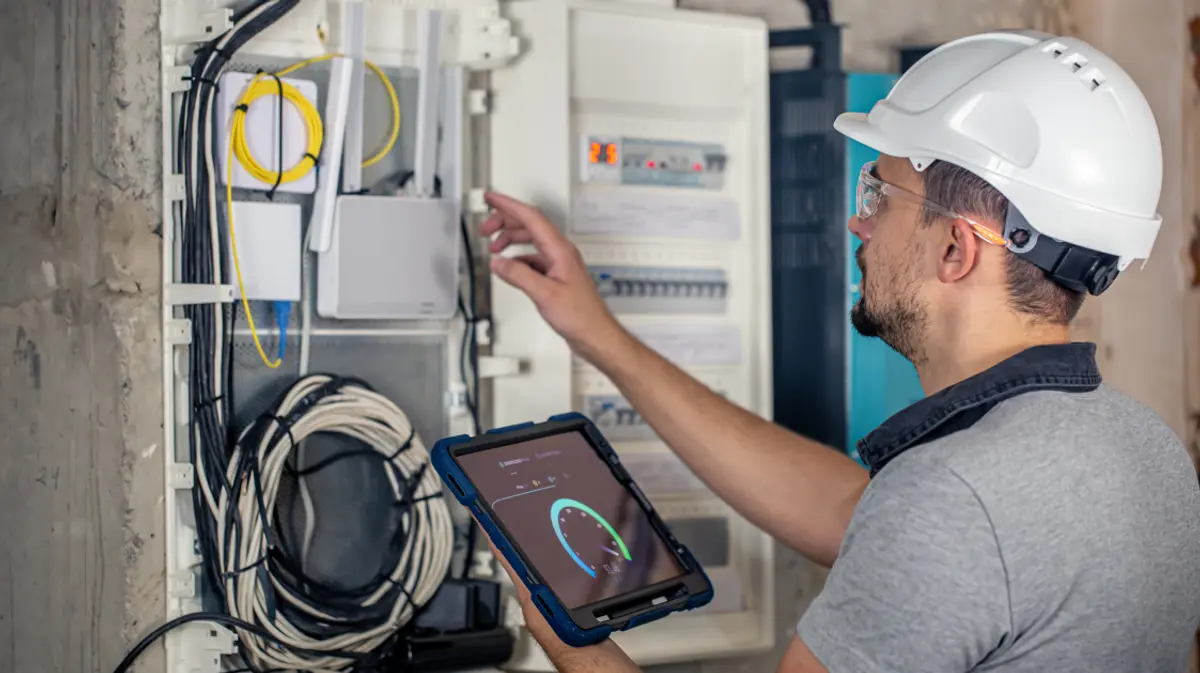
Installation Day Does Not Have to Be a Mystery
Internet installation is one of those experiences that most people go into without much information. You book a time window, a technician shows up somewhere in a four-hour range, and things happen that you are not quite sure how to follow. It ends with a working connection, or occasionally a follow-up visit if it does not.
Knowing what to expect before the technician arrives makes the whole process less uncertain, helps you ask the right questions if something needs clarification, and lets you plan your day around it accurately rather than just blocking out a vague chunk of time.
The Installation Time Window
Providers schedule installations in time windows rather than specific times, typically two to four hours. This reflects the reality that each installation takes a different amount of time depending on the home's infrastructure, the connection type, and any complications that arise. The technician works through a route of appointments and cannot always predict exactly when they will arrive at each one.
Most providers send a notification or call when the technician is on their way, giving you advance notice of arrival rather than requiring you to wait at home for the full window. If you have flexibility in your schedule, blocking the full window is the safest approach. If you need to step out briefly, enabling your phone's notifications ensures you do not miss the arrival call.
Someone must be present at the home for the full installation. The technician will need access to different parts of the property, including exterior connection points, the interior where the router will be installed, and potentially a utility space where the main connection enters the home. If you cannot be present, arranging for a trusted person to be there on your behalf is a requirement for the installation to proceed.
What Happens During a Standard Cable Installation
For a home being connected to cable internet where coaxial infrastructure is already in place, the installation process typically follows a predictable sequence.
The technician begins at the exterior of the home, locating the point where the coaxial cable enters the property. They check the signal quality at that point and make any adjustments to the external connection or splitter configuration needed to ensure a clean signal reaching your home.
Inside, they locate the coaxial outlet in the room where you want your router installed, or run a short cable run to a preferred location if needed. The modem or gateway device provided by the provider connects to that outlet and to your router. The technician activates the service on their end, configures the equipment, and tests the connection to confirm speeds are in line with your plan.
They will typically walk you through the basics of your new network setup, including your network name (SSID) and password, and confirm everything is working before they leave. A standard cable installation at a home with existing infrastructure usually takes one to two hours.
What Happens During a Fiber Installation
Fiber installation at a home that has not previously had fiber is a more involved process because it requires connecting the home to the fiber network directly, which involves work both outside and inside the property.
Outside, the technician runs fiber cable from the nearest point on the provider's fiber network to your home. Depending on how close that connection point is and the path the cable needs to travel, this can involve trenching a short distance in the yard, running cable overhead, or threading cable through existing conduit. This exterior work is the most variable part of a fiber installation in terms of time.
Inside, the technician installs an Optical Network Terminal (ONT), the device that converts the fiber signal into a usable connection for your home network. The ONT is typically mounted in a utility area, basement, or near the main entry point of the cable into the home. From the ONT, a short ethernet run connects to your router or gateway device in the preferred room.
Once everything is connected, the technician activates the service, configures the equipment, and tests the connection. A first-time fiber installation at a home with no existing fiber infrastructure typically takes three to five hours, sometimes longer if exterior work is more involved than anticipated.
For homes being reconnected to fiber that was previously installed, or where fiber conduit is already in place, the process is significantly faster, often one to two hours, since the exterior infrastructure work has already been done.
How to Prepare for Installation Day
A little preparation before the technician arrives makes the process smoother for everyone involved.
Decide where you want the router. The router placement decision is worth thinking through before the technician arrives rather than making it on the spot. A centrally located room with easy access to a coaxial outlet (for cable) or near where the fiber enters the home (for fiber) is typically the best choice. For a home where the primary connection point is in an inconvenient location, asking the technician about running a short cable extension to a better router location is a conversation worth having at the start of the appointment. For guidance on router placement and whole-home coverage, the guide on why your home's square footage matters for Wi-Fi coverage covers the key principles.
Clear access to the installation area. Make sure the area around where the router will be installed, the exterior connection point, and any utility space the technician may need to access is reasonably clear. Moving furniture, boxes, or equipment that would block the technician's path saves time on the day.
Know your building's access requirements. For apartment or condo installations, check whether the building requires the technician to sign in, receive a visitor pass, or be escorted to your unit. Some buildings have specific procedures for contractors. Knowing this in advance prevents delays at the building entrance.
Have your account information accessible. Your provider account number, the confirmation of your appointment, and any relevant notes about your installation are useful to have on hand. If any discrepancy arises about what was ordered or where equipment should be placed, having your confirmation details available helps resolve it quickly.
Plan for no internet during the installation. Your existing service will be interrupted during installation and setup. If you work from home, plan your schedule around a period without connectivity. Your phone's mobile hotspot is a practical backup for anything that cannot wait. The guide on how to stay connected during an internet outage has practical tips for keeping essential tasks running during the installation window.
What to Check Before the Technician Leaves
Before the technician wraps up, take a few minutes to confirm everything is working correctly. This is the moment when any issues are easiest to address, with the technician still present and the installation fresh.
Connect a device to the new network and confirm the Wi-Fi is working. Run a quick speed test on a wired connection if you have a laptop nearby, and compare the result to your plan's advertised speed. Check that the network name and password are set to what you want, or ask the technician to help you update them if needed. If your home has multiple floors or a larger footprint, walk to a few rooms and check that the Wi-Fi signal reaches them reasonably well, and discuss whether a mesh node or additional access point would improve coverage if it does not.
Write down or photograph your network name and password before the technician leaves. Having it immediately accessible saves significant frustration when you are reconnecting all of your home's devices over the next few hours.
After Installation: Getting Your Devices Connected
Once the technician leaves and your connection is confirmed working, the next step is reconnecting your household's devices to the new network. Go room by room rather than trying to do everything at once. Smart home devices, streaming sticks, gaming consoles, and smart appliances each need to be reconnected individually, and some devices have specific steps for joining a new network.
For a home with a full smart home setup, expect the reconnection process to take longer than you might initially estimate. Setting aside an hour or two after installation to work through this systematically rather than rushing it means everything is properly connected before the end of the day.
EasyConnect checks availability at your exact address and matches you to the right plan from 26-plus trusted providers so your installation starts with the right connection for your home. EasyConnect makes finding and setting up the right plan straightforward from the first step.
Find My Plan at easyconnect.co
Frequently Asked Questions
How long does a standard home internet installation take?
A standard cable internet installation at a home with existing coaxial infrastructure typically takes one to two hours. A first-time fiber installation, which requires running fiber cable to the home and installing an ONT, typically takes three to five hours. Homes being reconnected to fiber where infrastructure is already in place are usually closer to one to two hours. Total time varies based on the home's existing infrastructure and any complications that arise during the installation.
Do I need to be home for internet installation?
Yes. Someone must be present at the home for the duration of the installation. The technician needs access to the exterior of the property, the interior installation area, and potentially a utility space, and cannot complete the installation without someone present to provide that access. If you cannot be there yourself, arranging for a trusted person to be present on your behalf is required for the installation to proceed.
What should I do to prepare for internet installation?
Decide in advance where you want the router installed and make sure that area is accessible. Clear the path to any exterior connection points or utility spaces the technician may need to reach. Have your account confirmation and appointment details on hand. If you live in an apartment, check whether the building has procedures for contractor access. Plan for a period without internet during the installation and have your phone's hotspot ready if you need connectivity for work during that window.
What is an Optical Network Terminal (ONT) and why is it installed for fiber?
An Optical Network Terminal is the device that converts the fiber optic signal entering your home into an electrical signal your router and home network can use. It is a required component of a fiber installation and is typically mounted in a utility area or near where the fiber cable enters the home. From the ONT, a short ethernet cable connects to your router or gateway device in the preferred room. It is the equivalent of the modem in a cable installation.
What if my internet is not working correctly after installation?
If your connection is not performing as expected after installation, start by running a speed test on a wired connection and comparing the result to your plan's advertised speed. If there is a significant gap, contact your provider with the results. Most providers have a support line specifically for post-installation issues and can often run a remote diagnostic on your connection. If the issue is equipment-related, the provider is typically responsible for resolving it at no additional cost.