How Much Internet Speed Does a Smart Home Actually Need?
Most smart homes need at least 1 Gig (1,000 Mbps) of internet speed to run reliably. A typical connected home has 15 to 30 devices online at once, including smart speakers, security cameras, thermostats, TVs, phones, and laptops, and each one draws from your total bandwidth. If you also work from home, stream in multiple rooms, or have kids gaming online, 1 Gig is the starting point, not the ceiling. EasyConnect matches you to the right plan for your exact address, so you get the speed your home actually needs.
Your Home Has More Devices Than You Think
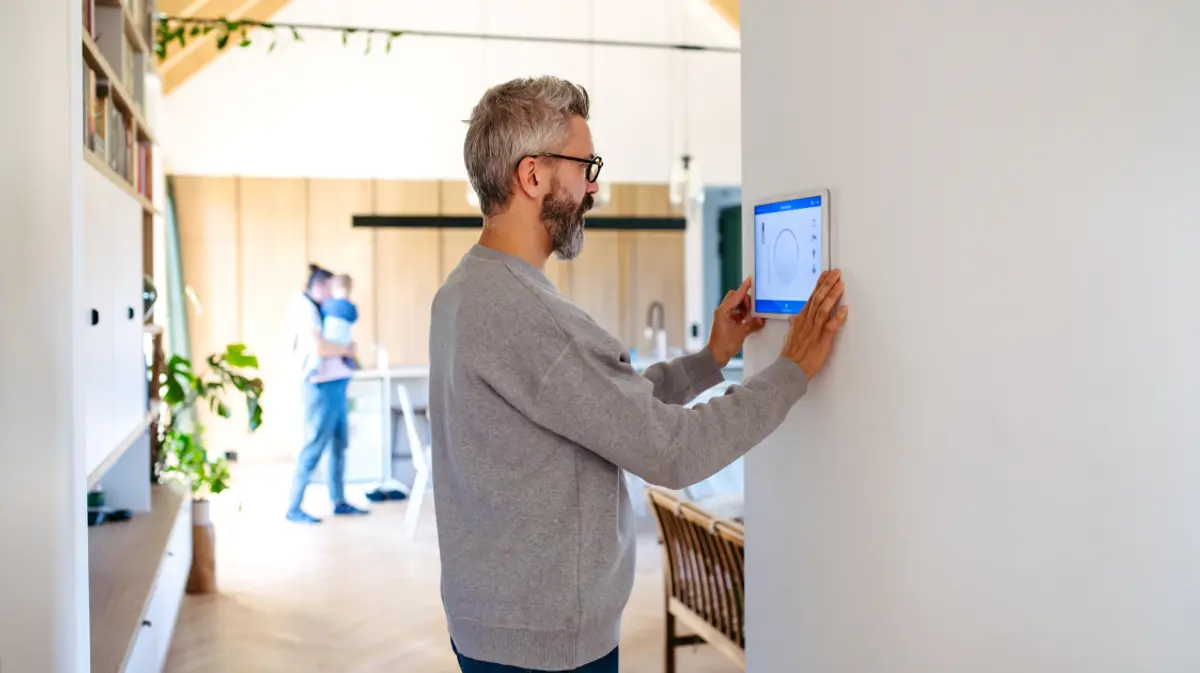
Take a quick mental inventory of everything connected to your home Wi-Fi right now. Your phones and laptops are obvious. But then there are the smart speakers, the video doorbell, the thermostat, the security cameras, the streaming sticks on every TV, the robot vacuum, the smart locks, the kids' tablets. It adds up faster than most people realize.
The average connected home in the U.S. now has between 15 and 30 devices online at any given time. Each one uses a portion of your total bandwidth, and when several are active simultaneously, a plan that seemed sufficient can start to show its limits. Buffering during video calls. Delays in camera feeds. Sluggish response from voice assistants.
The good news is that figuring out the right speed for your home is straightforward once you know what to look for.
How Smart Home Devices Use Your Bandwidth
Not every device draws the same amount of speed. Understanding the difference helps you plan accurately.
Light users (1–5 Mbps each): Smart speakers, thermostats, smart plugs, door locks, and motion sensors. These devices send and receive small amounts of data and don't strain your connection on their own.
Moderate users (5–25 Mbps each): Video doorbells, indoor security cameras, and smart displays. Live video feeds, especially in HD, require a steady, reliable stream. A single 4K security camera can use 15–25 Mbps when actively recording or streaming.
Heavy users (25 Mbps and above): 4K TVs, gaming consoles, laptops used for video calls, and any device streaming high-resolution content. These are the ones that set the baseline for what your plan needs to handle.
The key insight is that your internet plan needs to support all of these devices running at the same time, not one at a time.
The Right Speed for Your Smart Home
The honest answer depends on how your household actually lives. Here is a straightforward framework.
300 Mbps works well for smaller homes with 1 to 2 people and a moderate number of connected devices. If your smart home setup is limited to a few speakers, a doorbell camera, and standard streaming, this tier handles it reliably.
500 Mbps is the right fit for busy households where multiple people are online at the same time. Families with streaming in multiple rooms, video calls, and a growing collection of smart devices will find this tier keeps everything running smoothly without competition for bandwidth.
1 Gig is built for the fully connected home. If you have 20 or more devices, a comprehensive security system with multiple cameras, remote work happening daily, and kids gaming or streaming simultaneously, 1 Gig is where your home runs the way it should, covering every room and every device without compromise.
2 to 5 Gig is for the ultra-connected home. Whole-home automation systems, multiple home offices, and serious bandwidth demands across dozens of devices all have room to breathe at this tier. It is also the most future-proof choice as smart home technology continues to evolve.
Four Questions to Find Your Number
Rather than counting every device, answer these four questions to zero in on the right plan.
How many people are in your home? Each person typically brings 3 to 5 active devices into daily life. A family of four can easily have 15 to 20 devices before factoring in the home itself.
Do you work from home? Video conferencing, cloud file access, and VPN connections all require consistent upload and download speeds. Remote workers benefit significantly from a 1 Gig plan, particularly one with strong symmetrical upload speeds.
Do you have a home security system with cameras? Multiple HD or 4K cameras running simultaneously add meaningful demand to your connection, especially if you access live feeds remotely.
Are you adding more devices? Smart home technology grows over time. Most homeowners who invest in automation find their device count doubles within a few years. Choosing a plan that has room to grow means you will not need to revisit this decision again soon.
Why Speed Alone Is Not the Full Picture
Raw speed matters, but reliability matters just as much for a smart home. A security camera that drops offline during a storm, a video call that freezes at a critical moment, or a smart lock that does not respond are not just inconveniences. They undermine the whole point of a connected home.
This is why the type of connection and the specific providers available at your address are as important as the speed tier you choose. Fiber internet, for example, offers symmetrical upload and download speeds and tends to be more consistent during peak usage hours than cable. But fiber availability varies by address, not just by zip code.
EasyConnect checks what is actually available at your exact address, not just your general area, and matches you to the right plan from 26-plus trusted providers. The result is a recommendation that fits how your home actually works, not just what sounds good on paper.
Ready to Find the Right Plan for Your Home?
Whether your smart home is just getting started or you are running a fully automated household, the right internet plan makes everything work the way it should. Find your plan at your exact address in minutes.
Find My Plan at easyconnect.co
Frequently Asked Questions
How many Mbps do I need for a smart home?
Most smart homes with 15 or more connected devices, home security cameras, and active streaming run best on 1 Gig (1,000 Mbps). Smaller setups with fewer devices can perform well on 300 to 500 Mbps, but if your home is growing in connected devices, 1 Gig gives you the headroom to expand without disruption.
Does a smart thermostat or smart speaker use a lot of internet?
No. Devices like smart thermostats, smart speakers, and smart plugs use very little bandwidth individually, typically 1 to 5 Mbps each. The challenge comes from having many of these devices running alongside heavier users like security cameras, 4K TVs, and laptops, all sharing the same connection.
Is fiber internet better for a smart home?
Fiber internet is generally the strongest choice for a smart home because it offers symmetrical upload and download speeds and is highly consistent during peak hours. That said, fiber is not available at every address. EasyConnect checks what is available specifically at your home and matches you to the fastest, most reliable option that serves your address.
Can too many smart home devices slow down my internet?
Yes, if your plan is not sized for your household. Each device draws from your total bandwidth, and when many are active simultaneously, an undersized plan will show noticeable slowdowns. The solution is matching your plan to the actual demand of your home, which starts with understanding how many devices you have and how heavily they are used.
What internet speed do I need for smart home security cameras?
A single HD security camera typically uses 4 to 10 Mbps, while a 4K camera can use 15 to 25 Mbps when actively streaming. A home with four to six cameras running simultaneously needs a plan that can comfortably support that load alongside everything else in the house. For most homes with a full security system, 1 Gig is the right starting point.